Web dashboard
ABADDON web dashboard
Server settings that used to need Discord commands, changed on a web page.
Project notes
Real screens


Introduction
A web dashboard for the server settings of the Discord bot ABADDON. Sign in with Discord, choose a server, and its settings open.
Purpose
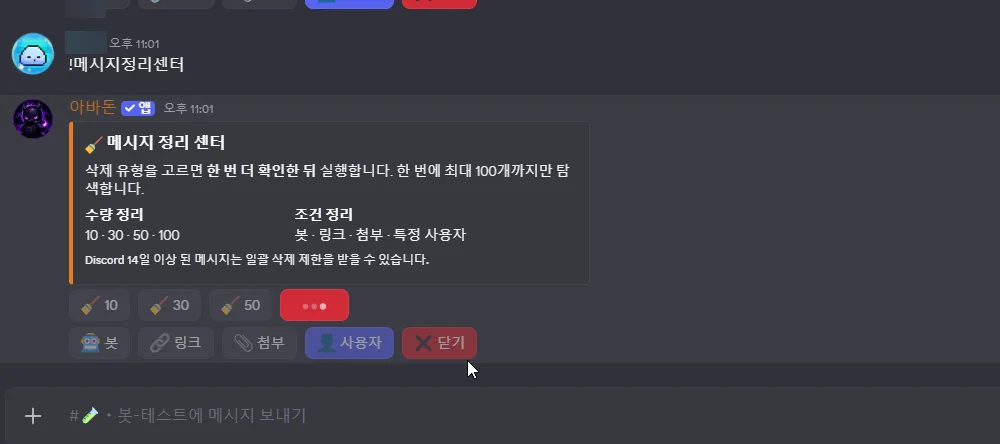
Let server admins choose on screen the settings they used to change with Discord commands, with nothing to memorize.
Main features
- Sign-in with a Discord account.
- Choosing a server from the list switches the command, member and notification counts and the settings menu to that server.
- A public live log page.
- A section on reporting outages and bugs.
Technology
- Python
- The dashboard's code
- Discord OAuth
- Sign-in with a Discord account
See it working
- Live page
The real dashboard in use, not a demo or a simulation. Managing a server needs a Discord sign-in. It is another site and opens in a new tab.
- Demo video
Demo video 0:21, no sound
The screens in these demos are in Korean.
Related projects
My part and AI tools
What I did myself
- The dashboard of the user's own bot. I planned and directed it.
Where AI tools were used
- I wrote the code in Python with ChatGPT.